Streamline Your Etsy Listings with 60 Digital Shop Templates
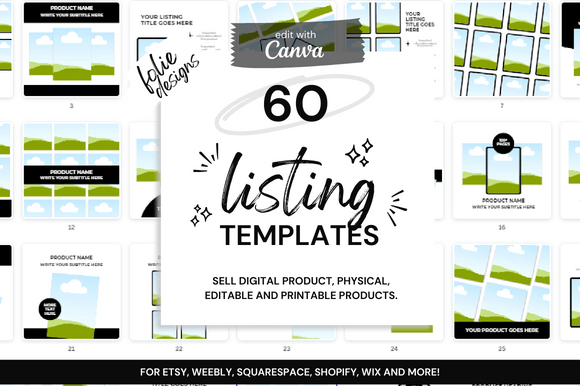
For Etsy sellers, particularly those in the digital and printable space, the pressure to create visually stunning listings is constant. You might spend hours crafting the perfect product—be it a set of printable planners, digital art, or customizable invitations—only to find that creating the marketing visuals consumes even more time. This is where a comprehensive set of 60 Etsy Digital Shop Templates becomes an invaluable asset. Designed to integrate seamlessly with Canva, this collection provides a ready-made framework for presenting your products with professionalism and visual appeal, freeing you to focus on creation and SEO optimization.
Understanding the Core of This Template Bundle
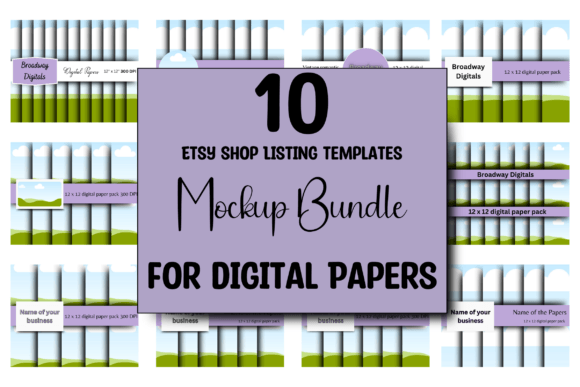
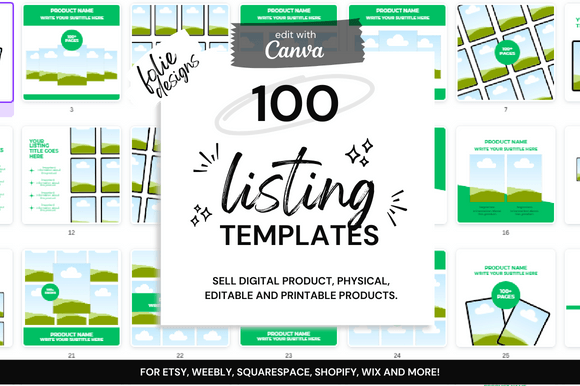
At its heart, this bundle is a curated suite of 60 unique, square-format mock-ups (2000 x 2000 pixels), the standard dimension for Etsy listing images. Each template is fully editable within Canva, a free and user-friendly design platform, making it accessible even if you have no advanced graphic design software experience. The visual personality of these templates is one of clean, modern versatility. They are not overly styled or niche-specific, which is their greatest strength. Instead, they provide a neutral yet sophisticated canvas that allows your actual product—the printable or digital file—to remain the hero. The style leans towards minimalist professionalism, using ample white space, subtle shadows, and smart layout compositions that guide the viewer's eye naturally to your product.
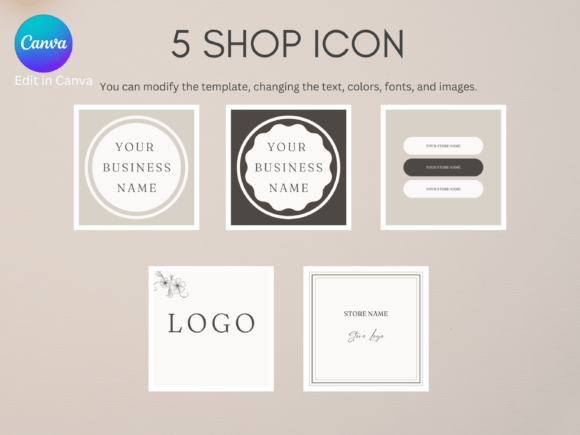
The true value lies in the customization potential. You can adjust colors to match your brand identity, swap out fonts for ones that reflect your shop's voice, and rearrange elements to highlight different features of your product. This level of control is crucial for maintaining consistency across all your listings, which is a key factor in building a recognizable and trustworthy shop on a crowded platform like Etsy. The included bonus of a free PDF link template adds further utility, perfect for creating instruction sheets or download guides that accompany your digital products.
Practical Applications for Your Etsy Business
Where do these templates truly shine? Their application is broad, making them a versatile design asset for any digital seller.
- For Printable Sellers: Use the mock-ups to show your planners, wall art, or stationery in a real-life context. Place your printable on a styled desk scene or within a frame on a wall. This helps customers visualize the end product, which can significantly increase conversion rates.
- For Digital Product Sellers: If you sell social media templates, website graphics, or digital papers, these templates allow you to display your work on a screen (like a tablet or laptop mock-up) or as a flat lay. This contextual presentation is far more engaging than a simple screenshot of a file.
- For Brand Consistency: By using the same set of templates and customizing them once with your brand colors and fonts, you ensure that every listing in your shop has a cohesive look. This visual harmony makes your shop appear more established and professional, building immediate trust with potential buyers.
- Time Efficiency: The most immediate benefit is the hours saved. Instead of starting from a blank canvas for each new product, you have a library of pre-designed layouts. Simply drop in your product image, tweak the text, and your listing image is ready in minutes, not hours.
Making the Most of Your Template Investment
Simply having the templates is the first step; using them strategically is what yields results. Here’s some practical guidance for integrating this Etsy mockup set into your workflow.
Evaluating and Choosing the Right Layout
With 60 options, it’s important to match the template to your product's story. A simple, elegant invitation might work best on a clean, single-frame mock-up. A multi-page workbook, however, could benefit from a template that shows multiple pages fanned out or displayed in a sequence. Look at the visual weight and composition of the template. Does it have space for a compelling title or a brief benefit-driven tagline? Does the style of the mock-up (e.g., a rustic wooden desk vs. a sleek marble surface) align with the aesthetic of your product and your target customer?
Customization for Brand Cohesion
This is where you move from generic to branded. Within Canva, create a brand kit with your exact color hex codes and your chosen typeface selections. A good practice is to select one strong display font for headings and a highly readable sans serif font for any supporting text. Apply these consistently across all templates. If your brand uses a script font or handwritten font for a personal touch, use it sparingly for accents, not for large blocks of text, to maintain readability.
Beyond the First Image
While the primary use is for the main listing image, these templates can inspire your entire visual strategy. Use variations for your shop banner, for promotional graphics on social media, or for email newsletters announcing a new product. This reinforces your brand identity across every customer touchpoint, creating a unified and professional experience. Remember, the goal is to use these templates as a foundation to build your unique visual language, not to have every shop look identical. The flexibility of the Canva templates ensures your final output is uniquely yours, enhancing your shop's visual hierarchy and overall professionalism.